First UE5 AI Plugin that Implements Gameplay Features
A powerful Unreal Engine 5 plugin that implement gameplay features for you across Blueprints, Anim Blueprints, Widgets, Inputs, Materials, Data assets, Motion matching with just a single prompt.
"Add jetpack ability to the Mover Character, when Gamepad Face Button Left is held, slowly propels character 50 ft above ground. Use motion matching. Test it with Mover character. fly around and zig zig around for 20 seconds"
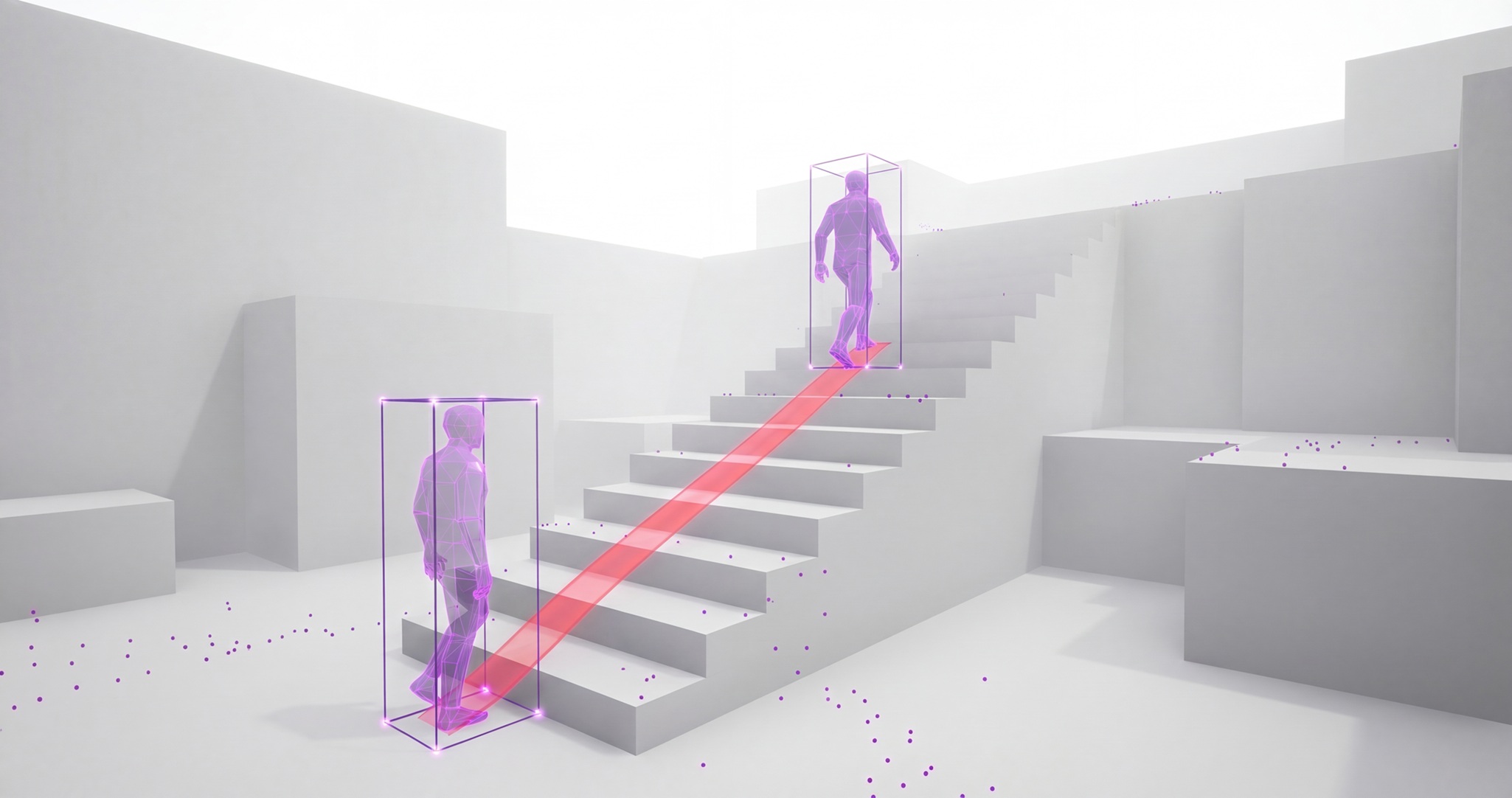
"Using the stairs animation add a new Motion Matching so the Mover Characters plays those animations when climbing stairs."
"Add a directional dodge roll to the mover character on Left Alt. Choose forward, backward, left, or right based on movement input. Playtest all four directions"
Workflow
How it works?
01
Install UGP and connect Unreal
Get the plugin from Download page, add it to your Unreal Engine project, and launch UGP (Universal Game Pilot). It uses your existing OpenAI subscription. In seconds, It connects to your editor & understands your live project context.
02
Ask for what you want
Describe a feature, fix, or test. Whether you’re working on Blueprints, input, animation, motion matching, materials, widgets, or gameplay systems, UGP turns your request into real project changes completely handsfree.
03
Review, Apply, Playtest
See exactly what’s changing before anything is committed with UGP's built in node graph & material render preview, it can even playtest in editor to validate the result with gameplay playback, bp debugging, end-to-end testing.
Prompt: Create a Dragon flamethrower fire attack.
Prompt: Recreate the Iconic Nvidia green loading spinner.
Features
Powerful features built for developers
Project Scanner
Learn Everything about Any Project. Find bug fixes. Replicate any asset. Intelligently Migrate Assets. Combine Assets. Copy Any Feature.
Create Any Feature
From sophisticated AI using state trees to extending motion matching animations to your game character to gameplay abilities & feature to high quality ui & menus
Self Improvement Playtest
Ask UGP To Implement a Gameplay Feature or Material and to test for verification, it will recursively self improve until the feature is fully functional. This is a first for 3D.
Pay once, use forever
One-time purchase. Lifetime access. No subscriptions.